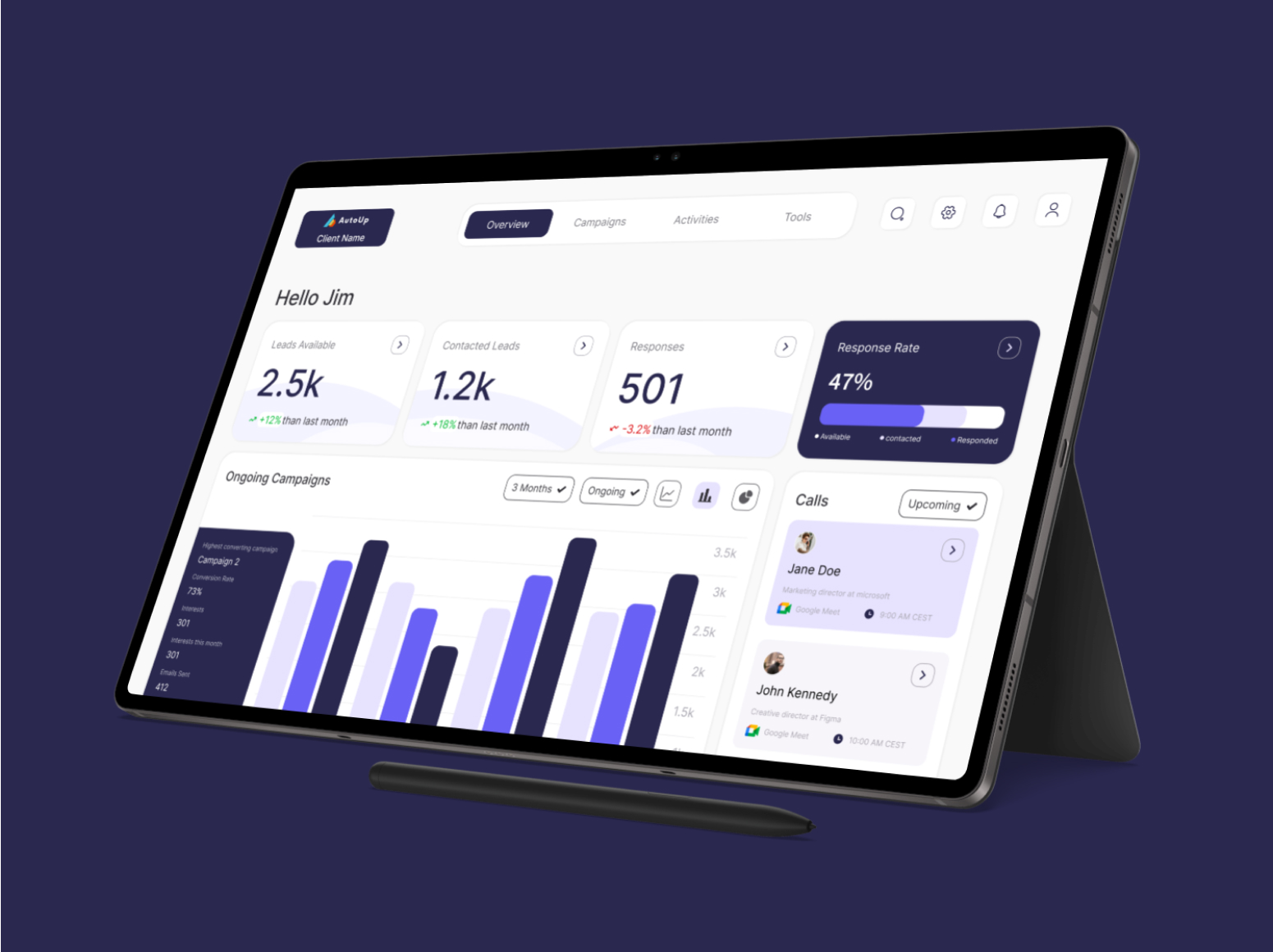
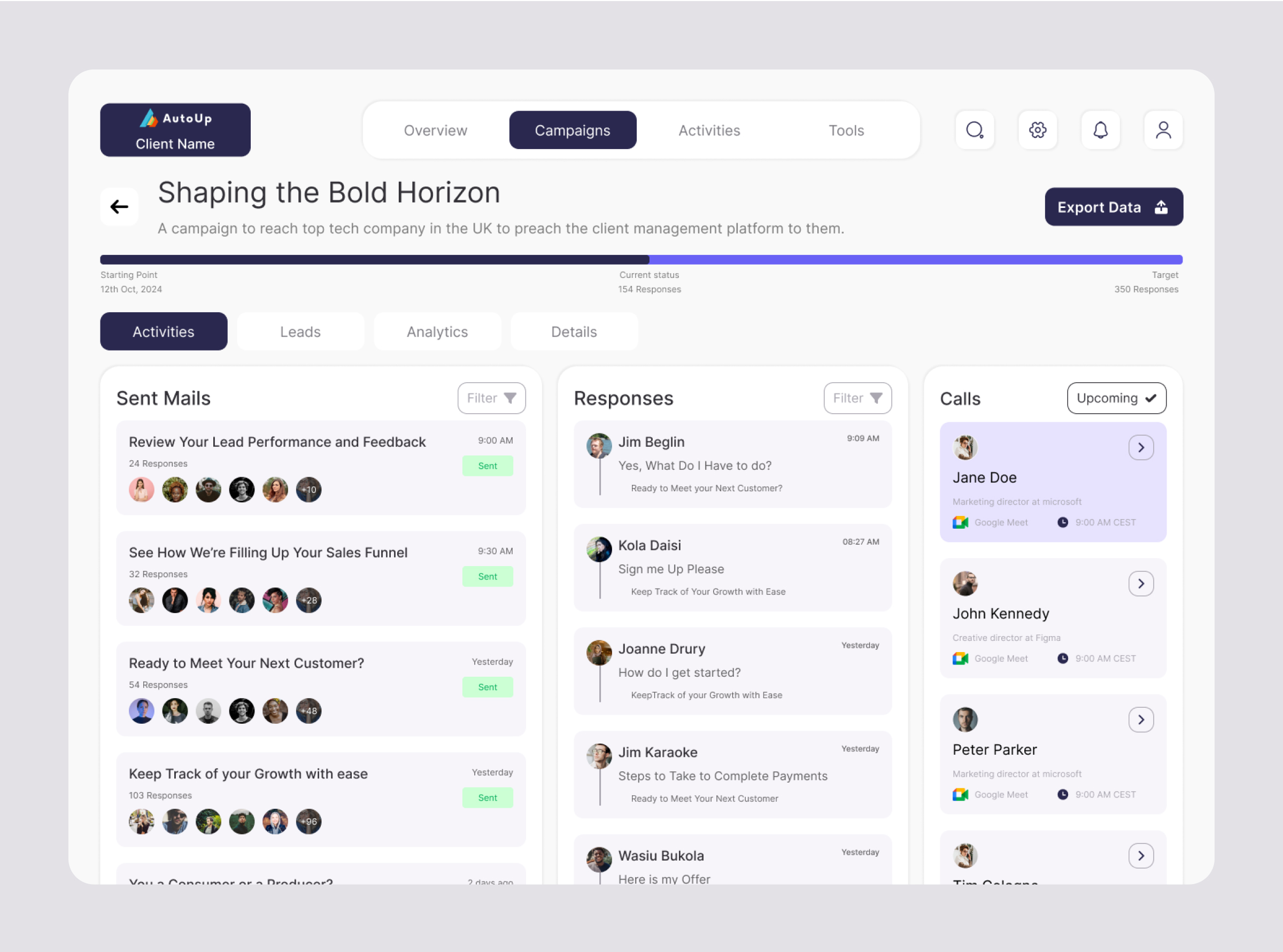
A client management portal for monitoring and overseeing lead generation and track email campaign performance.
Web App
Web 2
SaaS
B2B
Dashboard
The Problem
"As AutoUp’s CEO, it’s frustrating to see our clients struggle with scattered tools like Airtable, unable to track leads, monitor trends, or give feedback easily. We know they deserve a better solution." - Ken Volk
Design Process
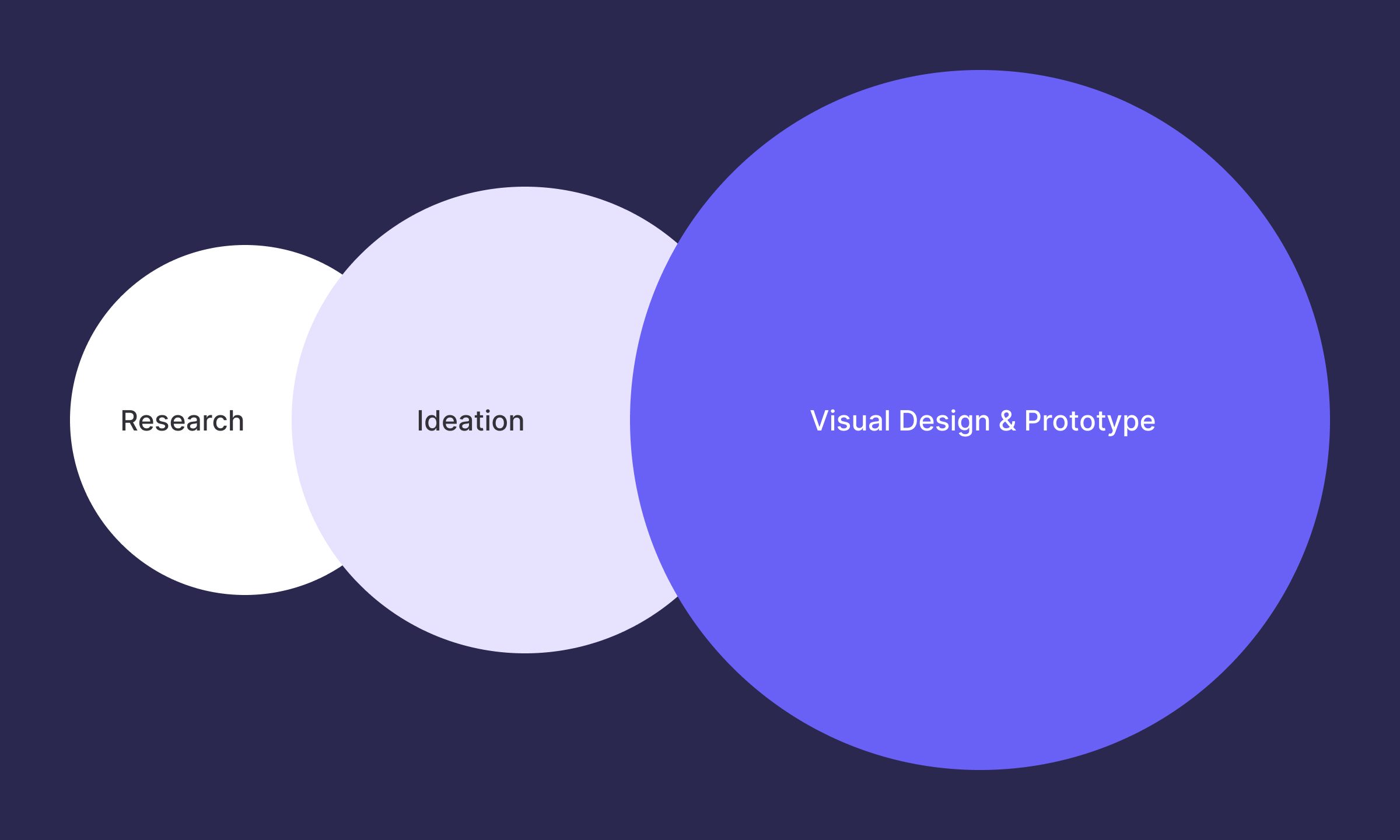
Creating an effective solution requires a user-first approach. To address AutoUp's challenges, I followed a structured design process focused on understanding user needs, defining clear goals, and crafting a solution tailored to their workflow.
User Persona
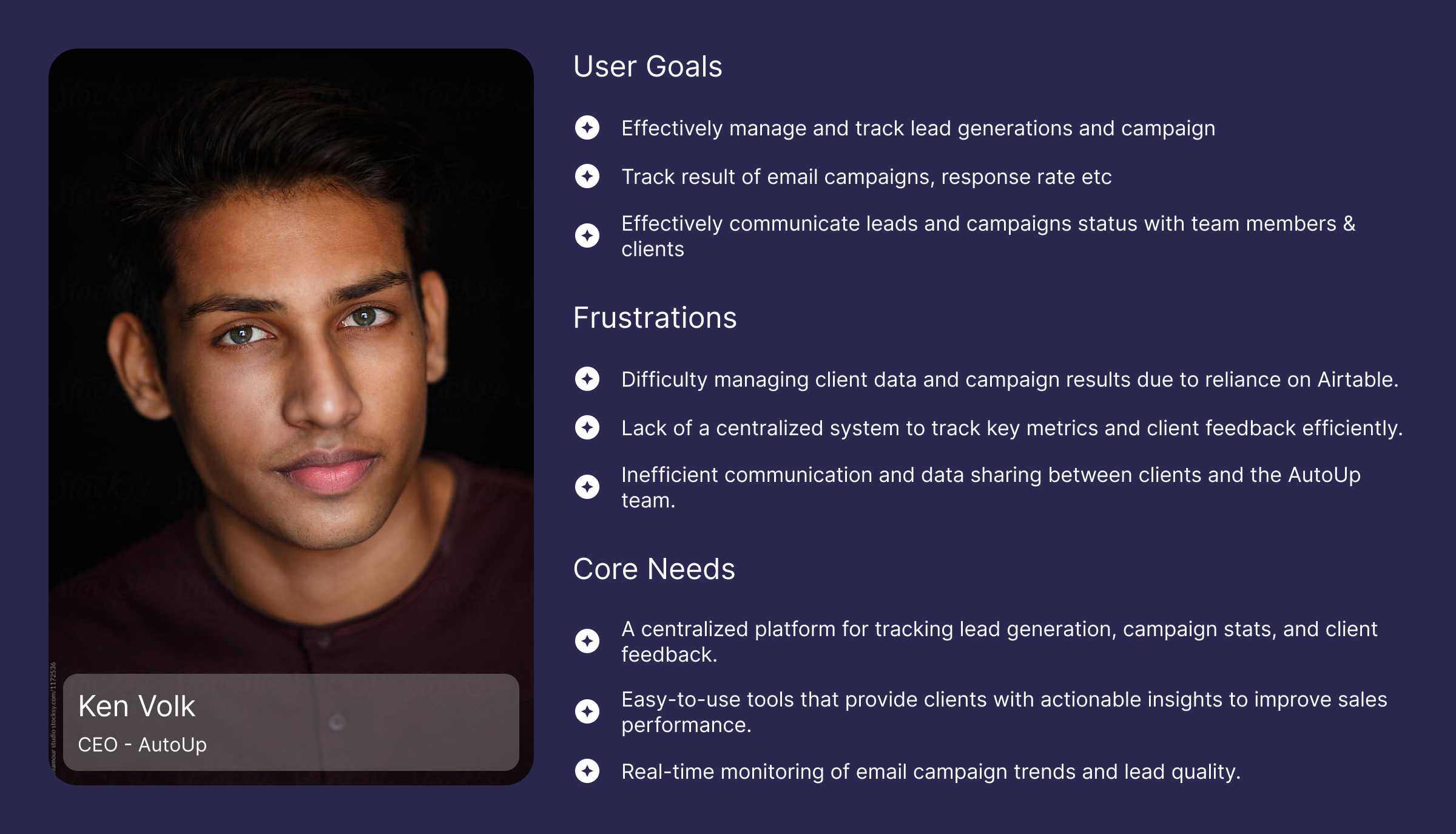
The user persona was developed to represent the key goals, frustrations, and needs of AutoUp’s CEO, ensuring the portal design aligns with business objectives and user expectations.
Research Insight
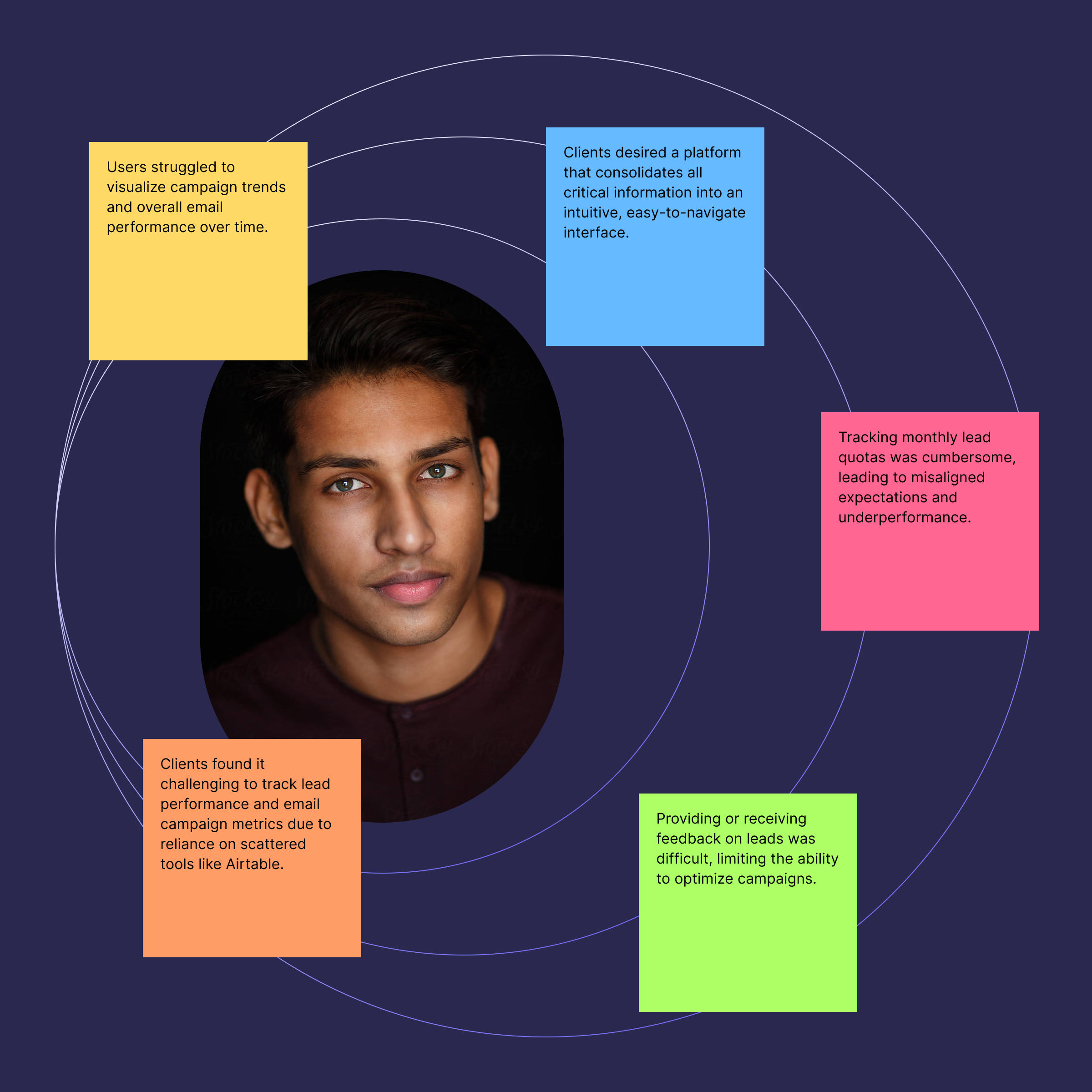
After an extensive research, the insights gained on the users are summarized as follows:
The Solution
A centralized client portal was designed to simplify lead tracking, monitor campaign performance, and enable feedback, providing clients with clear insights to optimize their sales process.
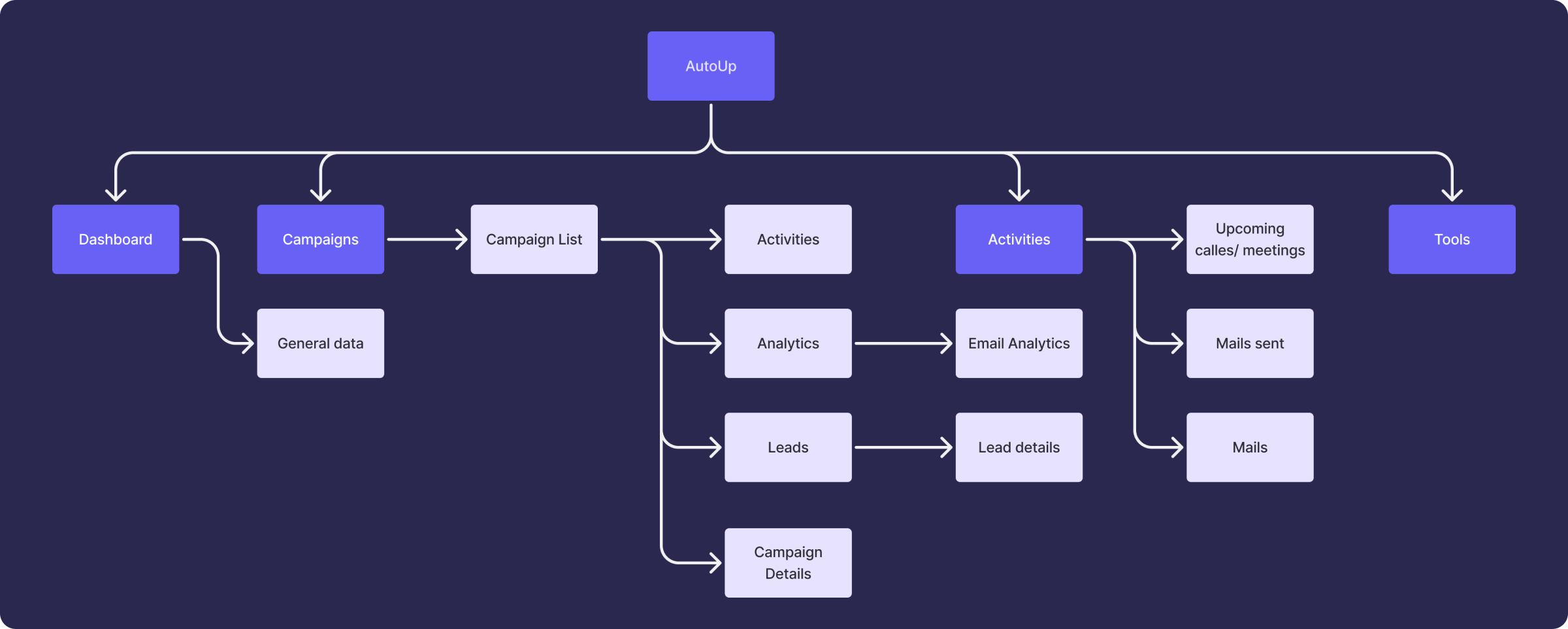
Information Architecture
The information architecture was crafted based on user needs and goals, ensuring seamless navigation and easy access to key features within the client portal.
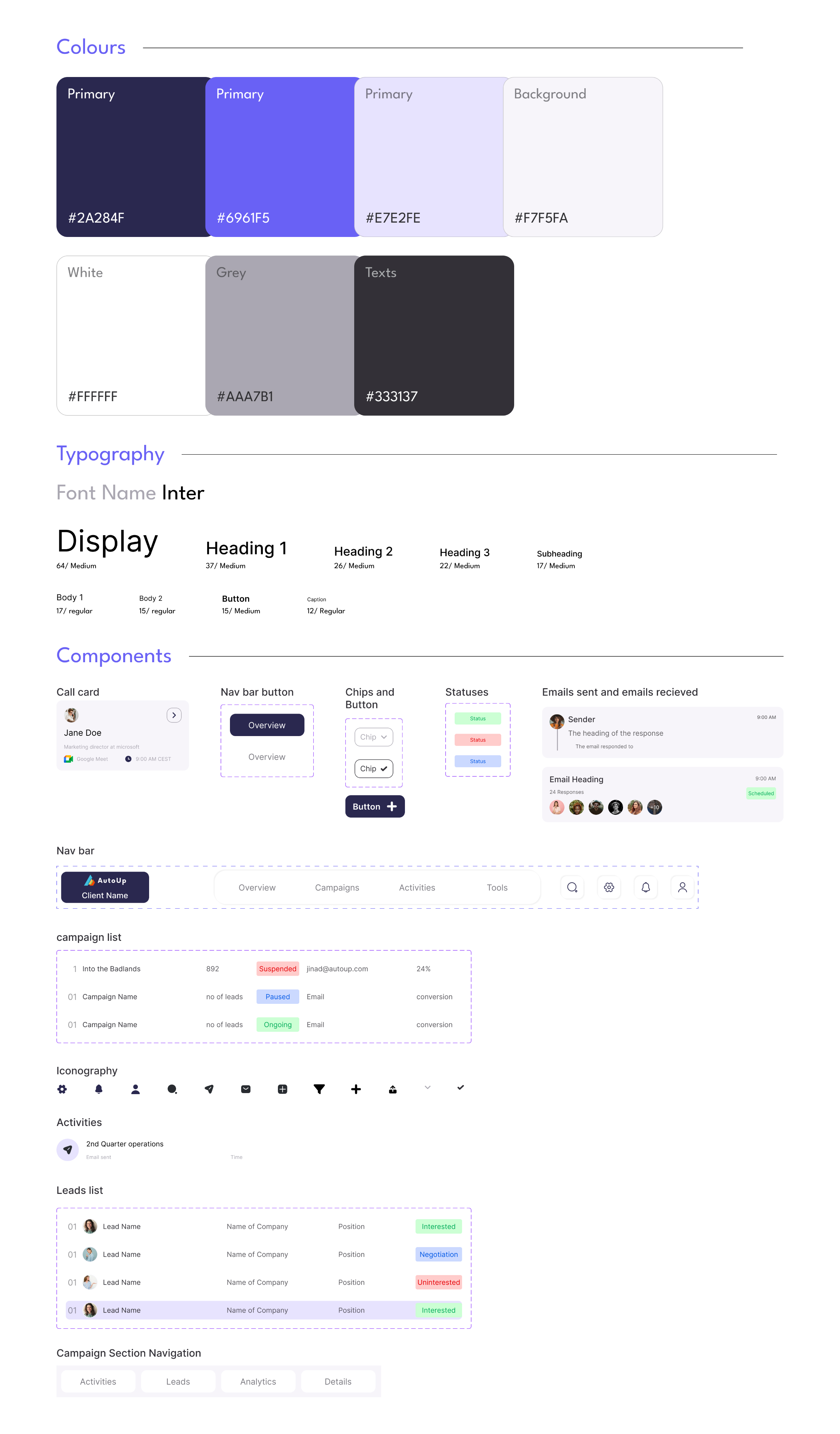
Design System
The design system establishes a consistent visual language and interaction pattern, ensuring a cohesive and intuitive user experience across the client portal.
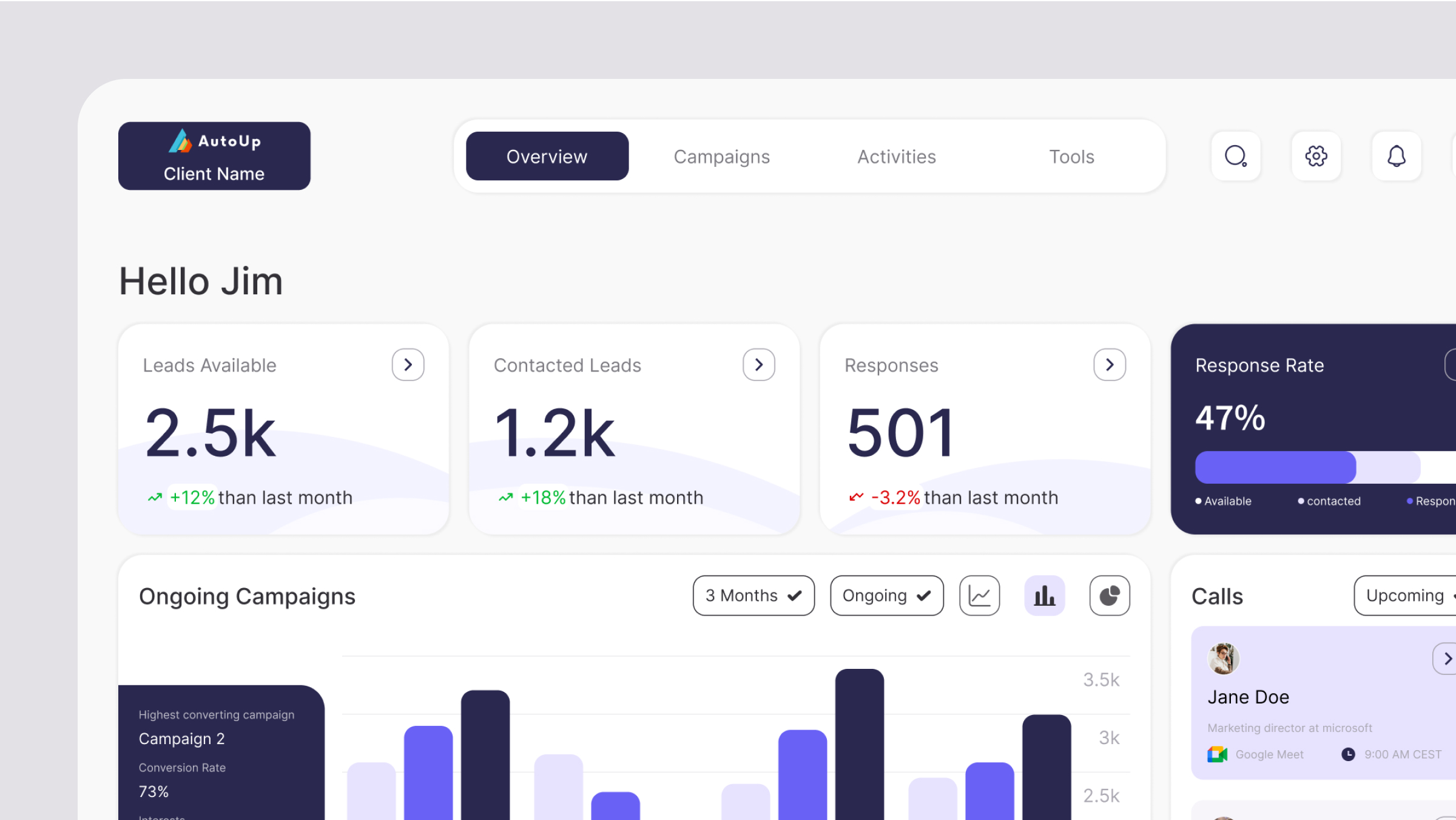
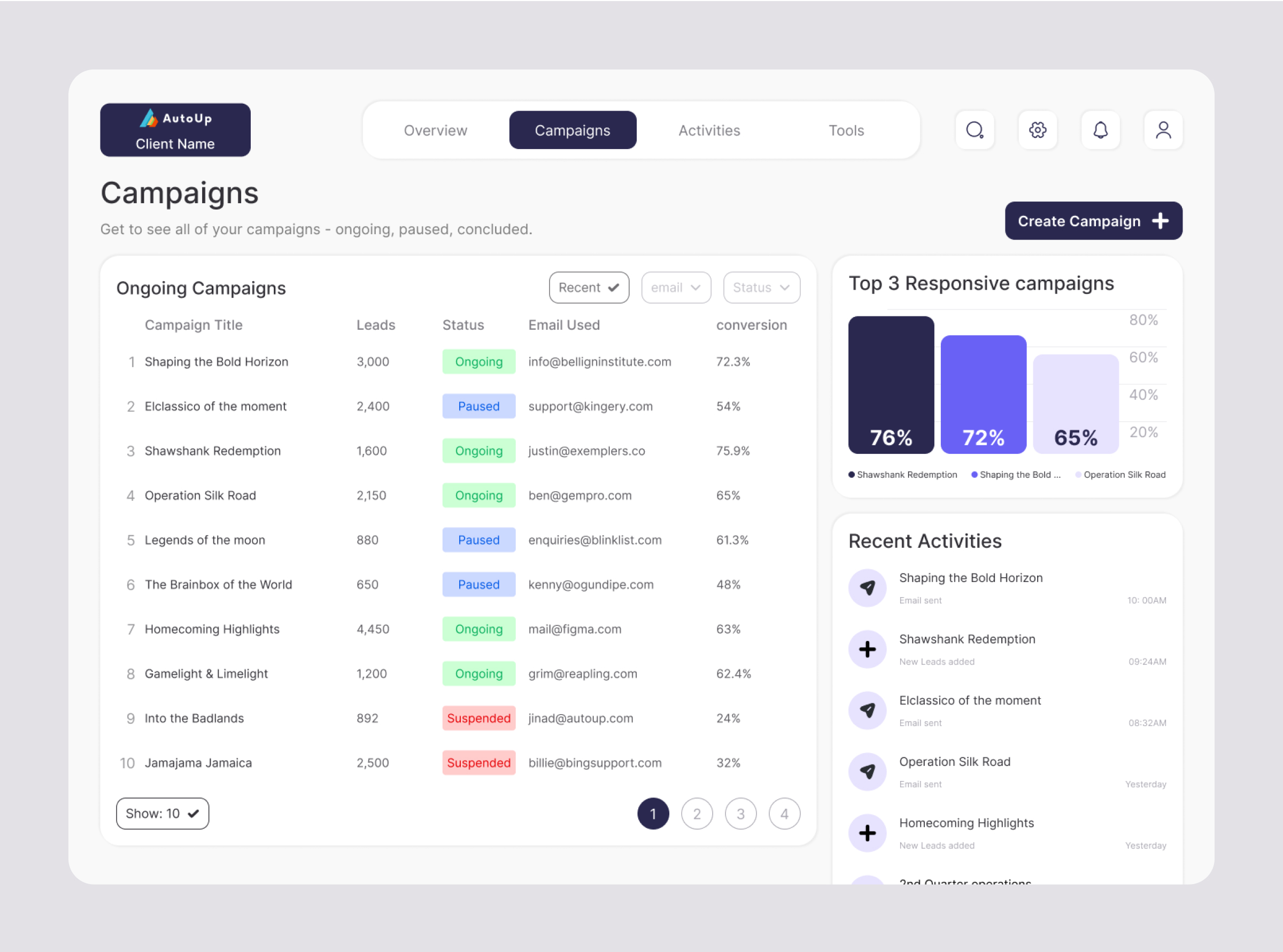
High Fidelity Prototype
The high-fidelity designs showcase the final look and feel of the app, highlighting polished UI elements and seamless interactions for an optimal user experience.